SEO · 4 min read
Optimize Google Business Profile for Healthcare SEO in 2026
Learn how to optimize your Google Business Profile for healthcare practices to boost local SEO, increase visibility, and drive more patient bookings.
Published · Updated · 4 min read
On this page13 sections
- Optimizing Google Business Profile for Healthcare Practices
- Why Google Business Profile Matters for Medical Services
- Step 1: Complete Your Clinic's Information
- Step 2: Choose the Exact Medical Categories
- Step 3: Add High-Quality Facility Photos
- Step 4: Write a Compelling, Keyword-Rich Description
- Step 5: Post Regular Health Updates
- Step 6: Collect and Respond to Patient Reviews (Compliantly)
- Step 7: Use Google's Booking and Messaging Features
- Step 8: Maintain Accurate NAP Across the Web
- Step 9: Track Profile Insights
- Conclusion
- Frequently Asked Questions (FAQs)
Key takeaways
- Fill in every section accurately, including holiday hours and a direct appointment link, and use your exact registered name without added keywords.
- Choose your exact specialty as the primary category and add secondary categories for other services offered inside the clinic.
- Upload real photos of the building exterior, reception, treatment rooms and staff so anxious new patients know what to expect.
- Use Posts regularly for seasonal health tips, new staff introductions and changes to hours or accepted insurance.
- When replying to reviews, keep responses generic and never confirm a condition or that the reviewer is a patient.
Optimizing Google Business Profile for Healthcare Practices
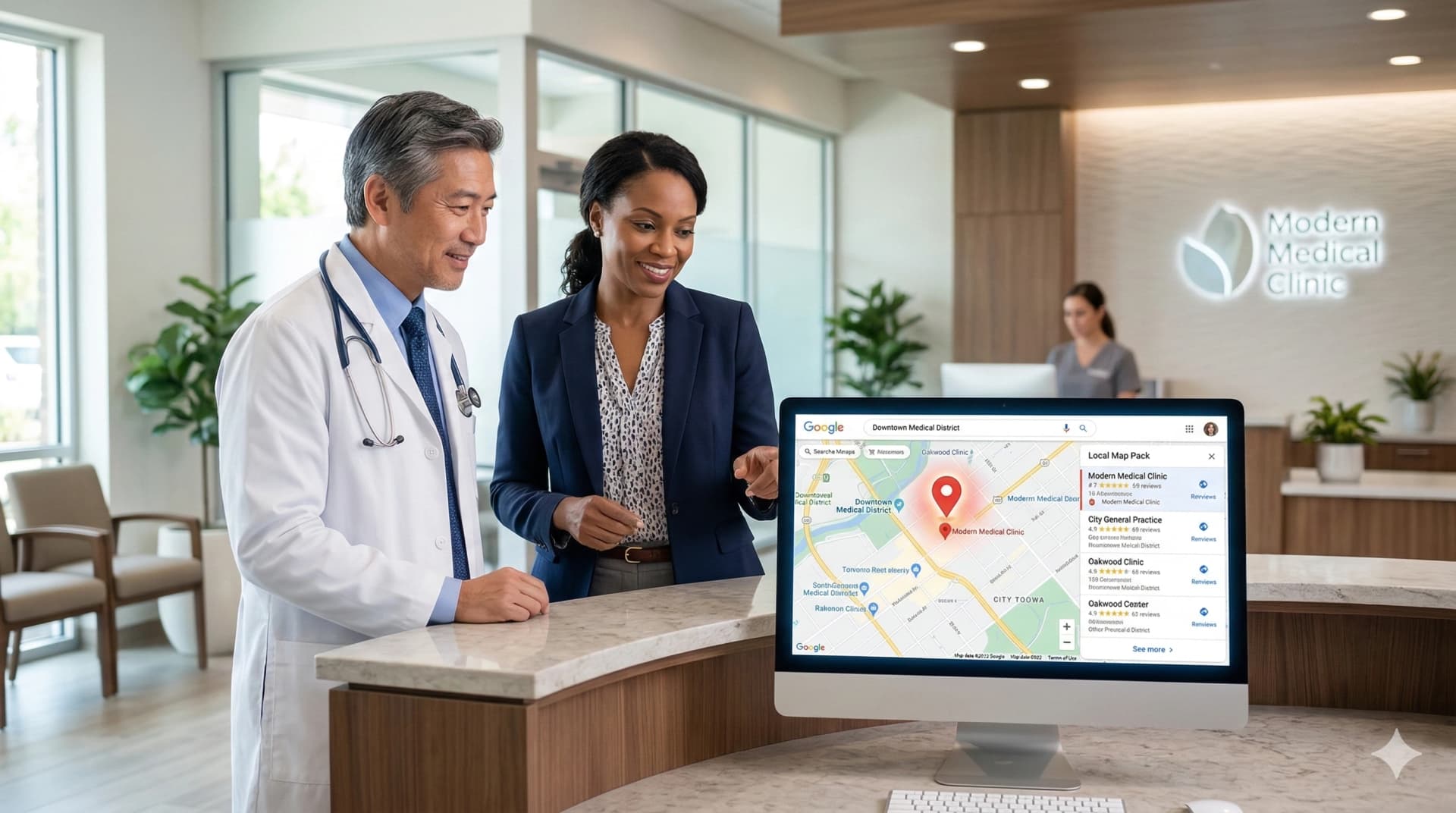
When patients experience a medical issue, their first instinct is to pull out their smartphone and search for a doctor nearby. In the healthcare industry, appearing at the top of local search results is crucial. Google Business Profile (GBP) is the single most powerful tool for increasing local visibility, generating patient leads, and attracting individuals who need immediate care.
When optimized correctly, your GBP becomes a 24/7 digital storefront that helps your clinic stand out in a highly competitive market, anchoring your entire Healthcare SEO strategy.
Why Google Business Profile Matters for Medical Services
Most patients search for "urgent care near me" or "dentist in [City]." If your practice is not optimized on Google Maps, you risk losing high-intent patients to competing clinics.
Key benefits of GBP optimization:
- Higher visibility in the coveted "Local Map Pack" on page one of Google.
- Increased direct phone calls, website visits, and appointment requests.
- Greater trust through patient reviews and verified business information.
- Strong visibility in local SEO for high-value procedural keywords.
- Better credibility and patient engagement before they even visit your Medical Website.
Step 1: Complete Your Clinic's Information
Google rewards medical practices that provide detailed and highly accurate information. Must-fill sections include:
- Business Name: Must be your exact, legally registered clinic name (do not stuff keywords like "Best Dentist").
- Address: Exact physical location for patients to drive to.
- Phone Number: The direct line to your scheduling desk.
- Business Hours: Must be 100% accurate, including holiday hours and emergency after-hours lines.
- Appointment Link: Link directly to your secure, HIPAA-compliant scheduling portal.
Complete profiles rank significantly higher than partially filled ones.
Step 2: Choose the Exact Medical Categories
Selecting the correct primary and secondary categories helps Google understand exactly what kind of medicine you practice, ensuring you show up for the right searches.
- Primary: Choose your exact specialty (e.g., Dental Clinic, Urgent Care Center, Orthopedic Surgeon, Pediatrician).
- Secondary: Add specific services you offer inside the clinic (e.g., Cosmetic Dentist, Physical Therapy Clinic, Medical Laboratory).
Accurate categorization is the foundation of targeted campaigns, especially for highly specific niches like Urgent Care Marketing or Dental Marketing.
Step 3: Add High-Quality Facility Photos
Visuals are the strongest trust-building factor for patients. Many people experience anxiety before visiting a new doctor; photos and posts on your Google Business Profile alleviate that fear by showing them exactly what to expect.
Add professional photos of:
- The exterior of your building and signage (helps patients find you).
- A clean, welcoming reception area.
- State-of-the-art treatment rooms and medical equipment.
- Your doctors and nursing staff in their professional attire.
Profiles with a robust gallery of high-quality visuals receive significantly more clicks and direct phone calls.
Step 4: Write a Compelling, Keyword-Rich Description
Your description should immediately communicate compassionate care, medical authority, and professionalism.
Tips for writing a strong GBP description:
- Highlight your primary medical services and specialized treatments.
- Mention the specific neighborhoods or cities you serve.
- Showcase your unique selling points (e.g., "Accepting new patients," "Walk-ins welcome," "Board-certified surgeons").
- Keep it natural but include relevant local keywords.
Example: "Providing comprehensive, compassionate pediatric care to families across San Diego. Our board-certified pediatricians specialize in newborn care, routine wellness exams, and acute illness treatment in a modern, child-friendly environment. Accepting most major insurances."
Step 5: Post Regular Health Updates
Google rewards active profiles. Use the "Posts" feature to keep your community informed and engaged. Post about:
- Seasonal health tips (e.g., flu shot reminders, allergy season prep).
- Introductions to new physicians or staff members joining the practice.
- Updates to clinic hours or new insurance networks accepted.
- Links to educational articles on your website.
Step 6: Collect and Respond to Patient Reviews (Compliantly)
Reviews influence patient decisions and local rankings more than almost any other factor. However, doctors must navigate this carefully to maintain HIPAA compliance.
Best practices for medical reviews:
- Encourage satisfied patients to leave reviews via automated, secure post-visit text messages.
- Always respond professionally to all reviews (both positive and negative).
Compliance Warning: Never confirm a patient's medical condition or even acknowledge that they are a patient at your clinic in your public response. Keep responses generic.
A proactive approach to reviews is the core of effective Reputation Management.
Step 7: Use Google's Booking and Messaging Features
Make it as frictionless as possible for patients to reach you.
- Booking Button: Integrate your scheduling software directly into Google.
- Messaging/Chat: Must be actively managed.
Step 8: Maintain Accurate NAP Across the Web
NAP stands for Name, Address, and Phone Number. Google cross-references your GBP data.
Step 9: Track Profile Insights
Google provides analytics you should integrate into your Marketing Automation reporting.
Conclusion
Optimizing your Google Business Profile is essential for medical clinics and specialists seeking higher rankings, better local visibility, and a steady stream of new patient appointments.
Ready to rank higher in your local Map Pack? Contact the experts at GrowLimo to start your comprehensive digital growth plan today.
Start Your 30-Minute Lead Mapping Session
Frequently Asked Questions (FAQs)
1. Can a medical practice have multiple Google Business Profiles?
Yes, but strict rules apply.
2. How do I remove a fake negative review?
Flag it to Google.
3. Does replying to reviews help SEO?
Yes.
4. Why not showing in Map Pack?
Needs stronger Healthcare SEO foundation.
5. Should doctors use Q&A feature?
Yes, proactively.